Golden Ratio Calculator Pro
Aspect Ratio for Layouts

I made Golden Ratio Calculator Pro for one very specific moment: you are deep in a layout, canvas, frame or screen design, you know one side, and you just want the other number without stopping to do math.

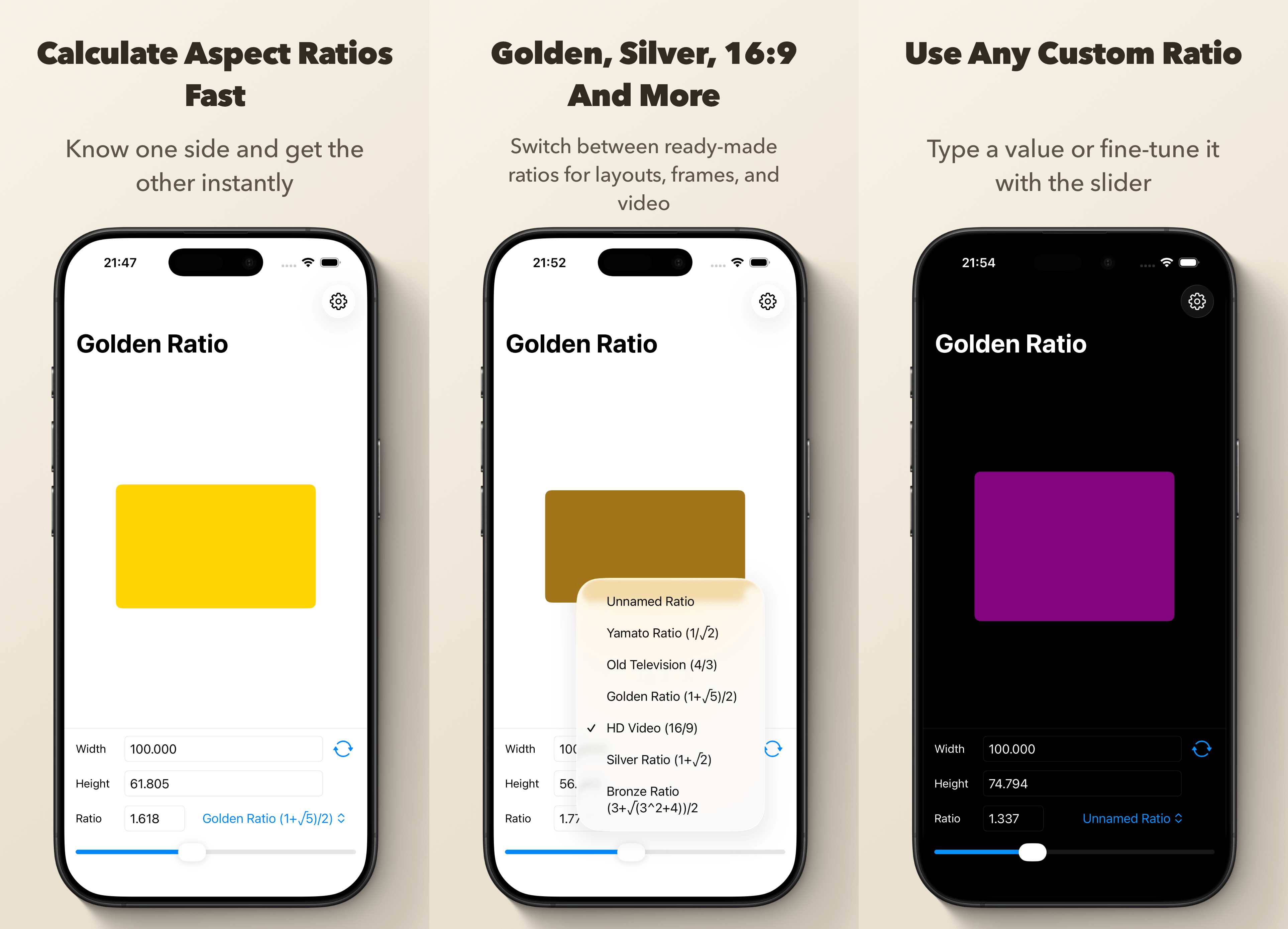
Type in width or height, pick a ratio, and the app gives you the matching value right away. Already have both dimensions? Switch to Detect Ratio and it tells you the exact ratio plus the closest named preset. Pick from 12 built-in presets grouped into mathematical ratios, photography and print, and video and film. If none of those fit, dial in your own custom ratio with the slider, then save it with a name and reuse it whenever you need it.
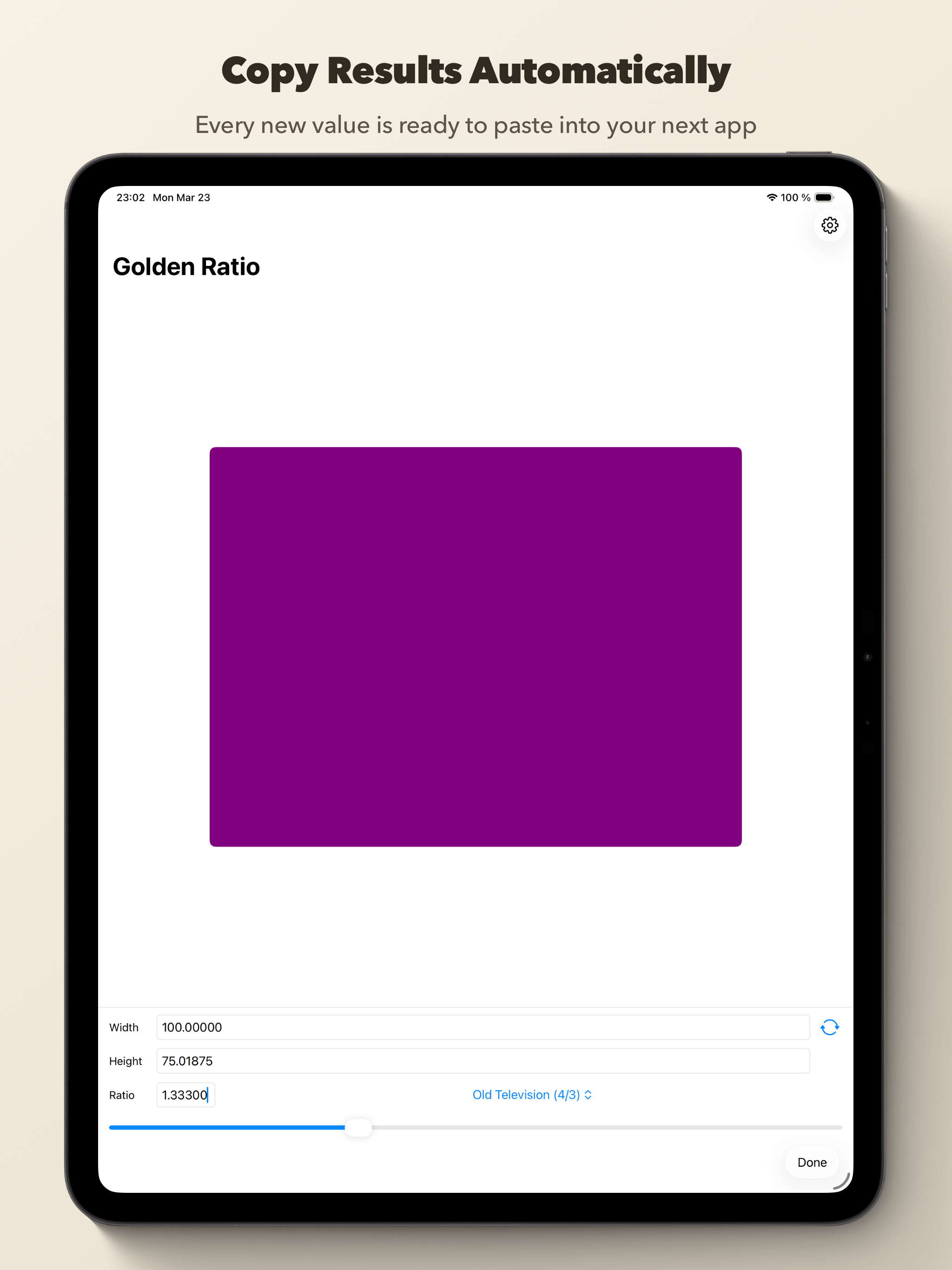
The rectangle preview updates as you go, the color shifts with the ratio, and the calculated value is copied to the clipboard automatically. Small thing. Surprisingly lovely when you do this often.
Available for iPhone and iPad.
I build my own canvases and like to use the four ratios preset in this app. This app also gives calculations for any other random ratio by using the slider while also giving an immediate visual of the shape proportions. Multiple decimals are available in settings. All functions are quick and easy. This is the perfect app!
— muralwork
Features
- Calculate width or height instantly from a chosen ratio
- Detect Ratio mode: enter both dimensions to identify the ratio and closest named preset
- 12 built-in presets grouped by Mathematical, Photography & Print, and Video & Film
- Presets include Golden, Silver, Bronze, Yamato, Square, A-Paper, Photo 3:2, Super 16, HD Video 16:9, Ultrawide 21:9, Cinema Scope and Old Television
- Save, name, and reuse your own custom ratios
- Enter any custom ratio with the slider or direct input
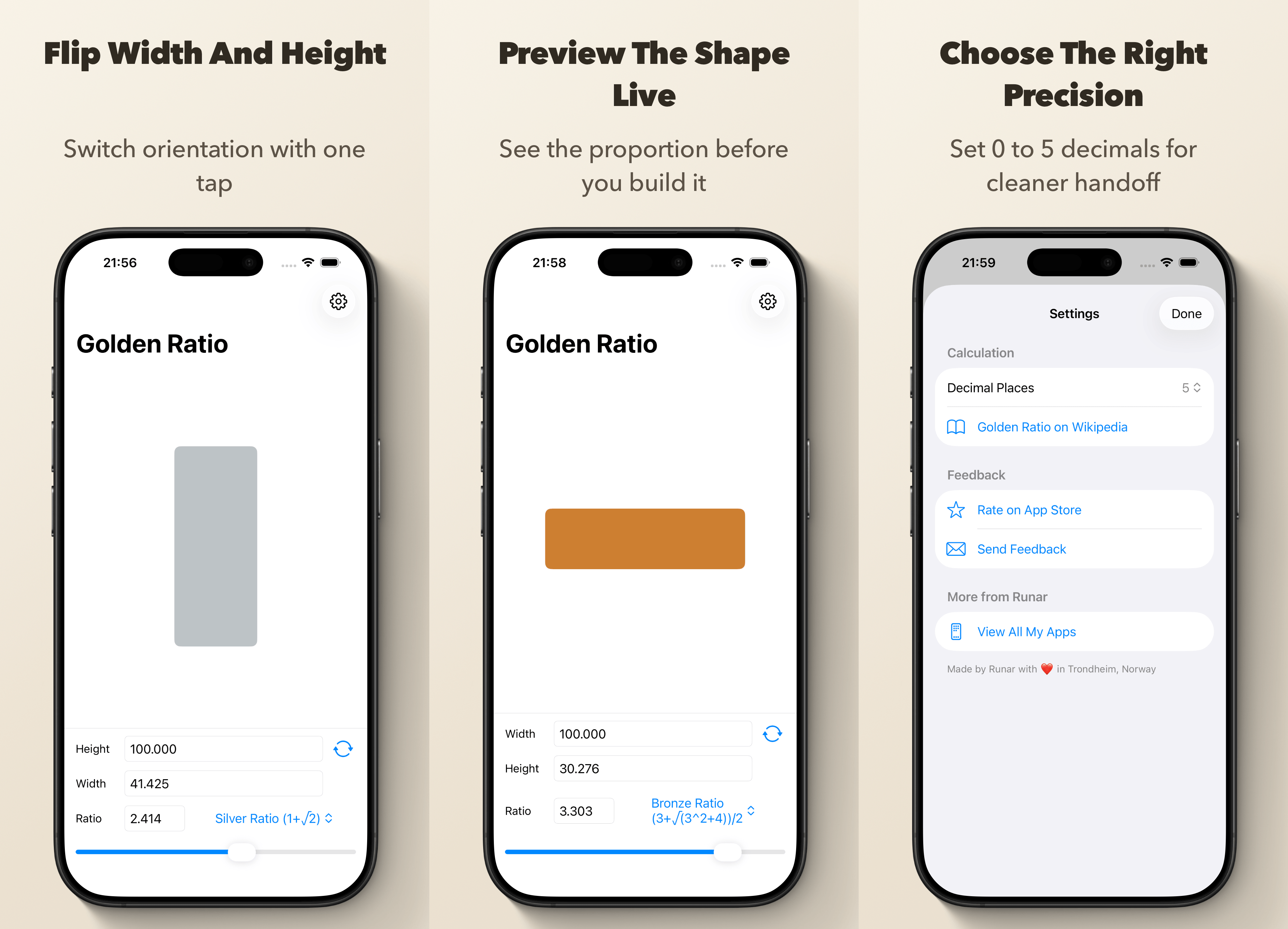
- Live visual preview of the proportion you are working with
- Flip orientation with one tap
- Automatically copy the calculated result to the clipboard
- Choose between 0 and 5 decimal places
- Home Screen Quick Actions for Golden, Silver, Bronze and Yamato
- Spotlight search for the built-in named ratios
- Supports light and dark appearance
- Works on iPhone and iPad
Beloved by users, Golden Ratio Calculator Pro will make your creative life easier:
The Golden Ratio is just as useful as Pi. Your calculator is just what I was looking for. I could do the same thing with a Calculator or a Slip Stick but your App is SO much faster. THANK YOU!
— Paul K. Bowden
The calculated value is automatically added the pasteboard, making it easy to use it in other apps. You can also adjust the accuracy of calculation, making the results suited to your needs.
Golden Ratio Calculator Pro comes preloaded with 12 useful ratios, grouped into mathematical ratios, photography and print, and video and film. The named ones are also available as quick actions or from Spotlight:
The golden ratio is a special number approximately equal to 1.618. It appears many times in geometry, art, architecture and other areas, often with pleasing results. It has been called divine proportion due to its numerous occurrences in nature.
The silver ratio arises in many mathematical and geometric expressions. The name is an allusion to the golden ratio; analogously to the way the golden ratio is the limiting ratio of consecutive Fibonacci numbers, the silver ratio is the limiting ratio of consecutive Pell numbers. You can cut A-series paper in half repeatedly and maintain the silver ratio.
The bronze ratio is often used in origami for making shapes with 30°, 60° or 120° angles.
The Yamato ratio is the ratio used for the face of a Buddha statue, Japanese architecture, sculptures and flower arrangements.
HD Video (16:9) is the standard widescreen aspect ratio used in modern displays and video.
Old Television (4:3) is the classic television aspect ratio, also common in traditional photography and print.
Alongside these, you get print and photography sizes like A-Paper and Photo 3:2, and film and video formats like Super 16, Ultrawide (21:9) and Cinema Scope, so the ratio you need is usually a tap away.
All these ratios make the app genuinely handy for design or layout work.
Do you have a favorite ratio that is not yet in the app? Let me know.