Visual Studio Code (9)
Apps, games & projects
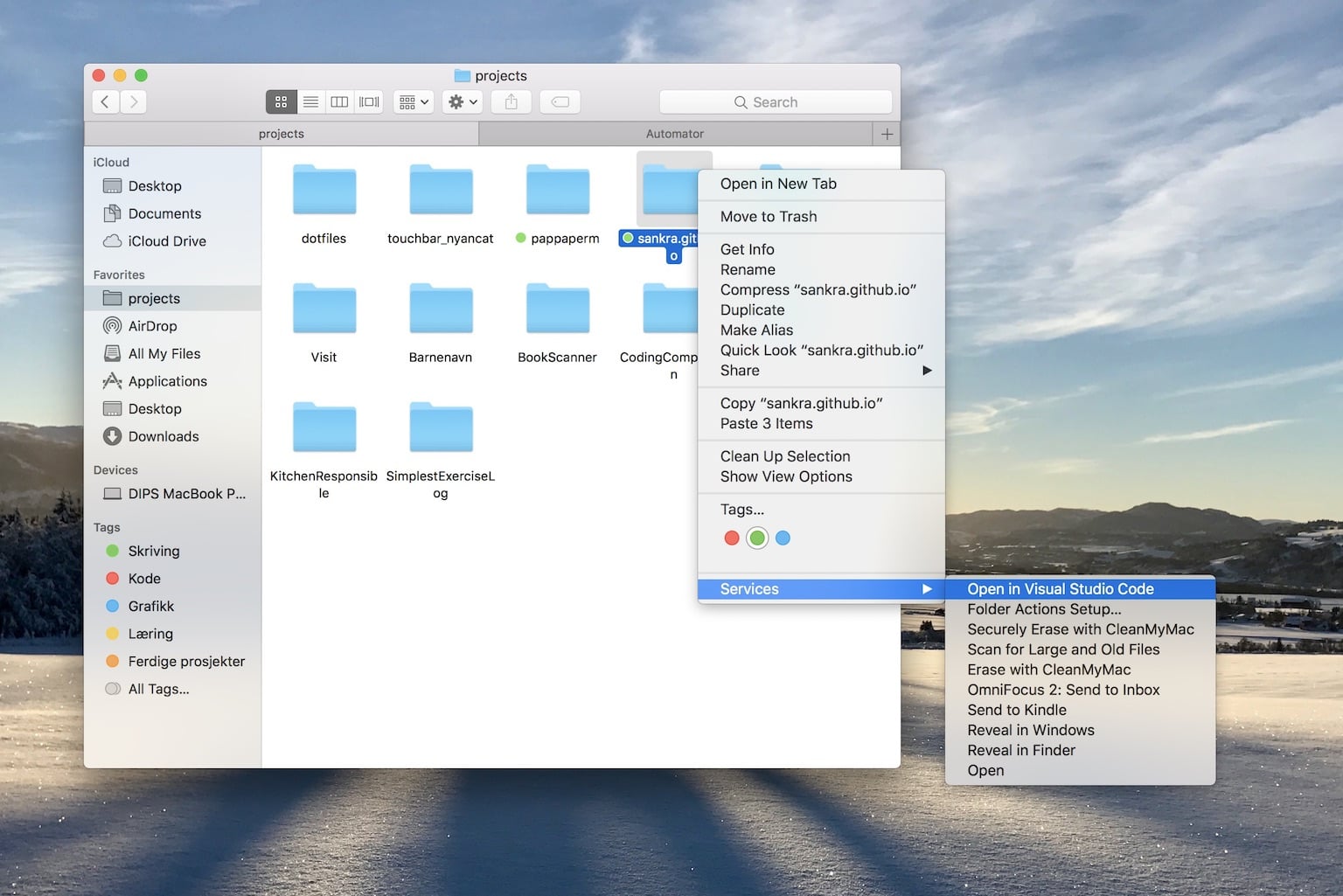
Open a folder in Visual Studio Code
A macOS service that opens any folder as a project in Visual Studio Code straight from Finder's context menu.
2018

Make your code more beautiful with the Fira Code typeface
Since programmers look at and work with text all day, every day, the text should render as beautifully as possible. Therefore you should use Fira Code!
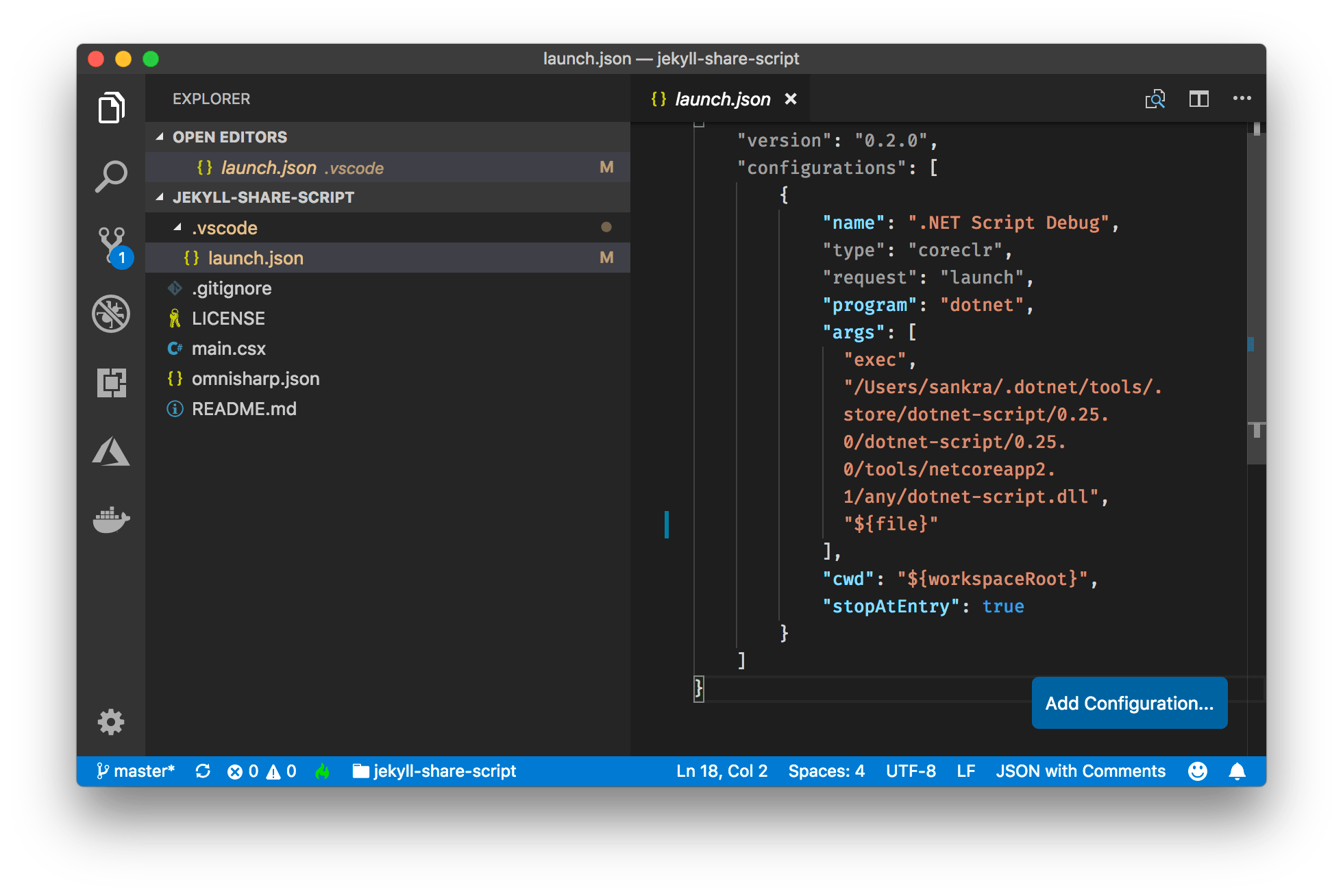
Why You Shouldn't Commit launch.json to Git - A Guide
Running dotnet script init in a folder already containing main.csx missing launch.json creates a launch.json file fitted to your local install of dotnet script
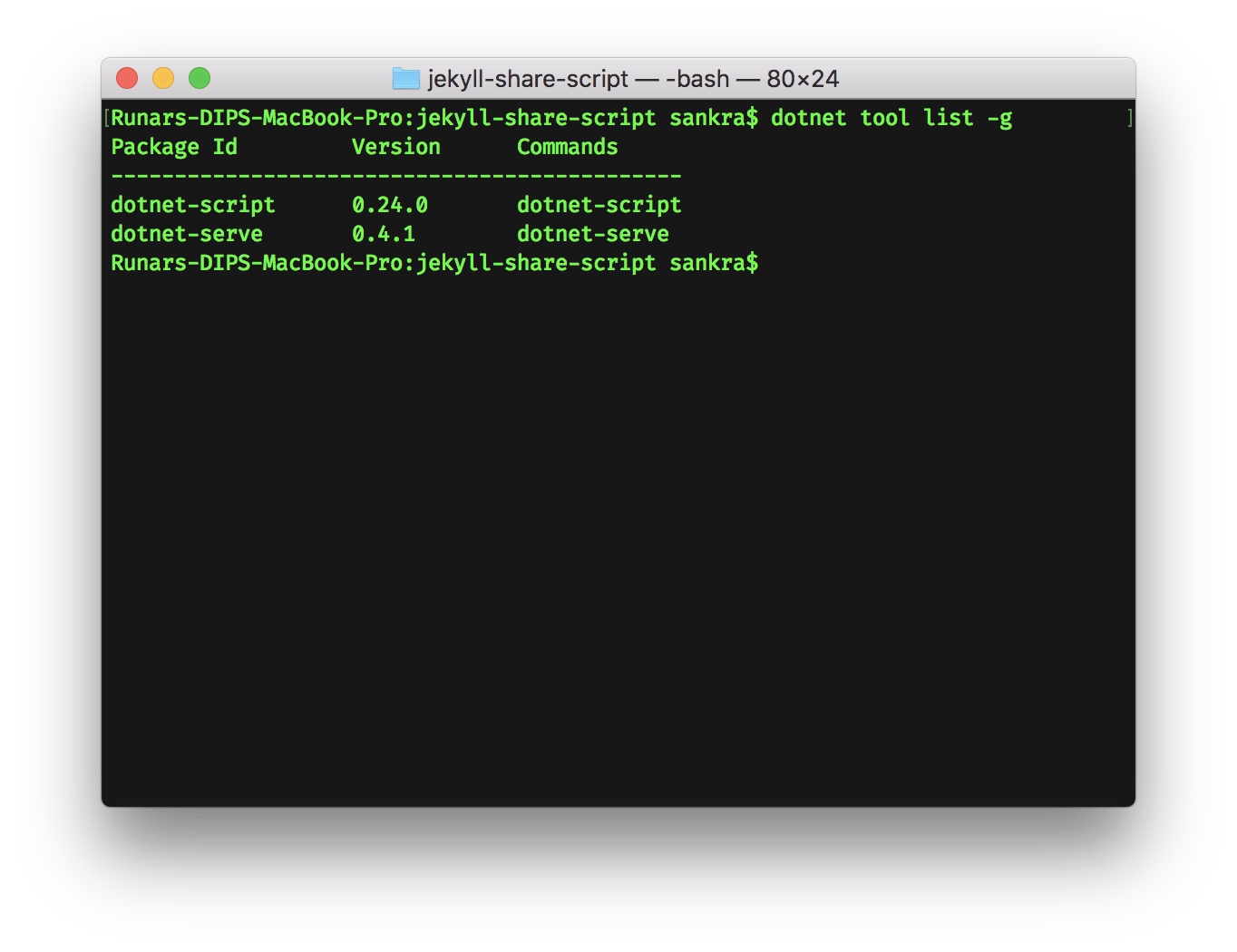
The application to execute does not exist
When debugging a dotnet-script from Visual Studio Code, make sure launch.json contains the path to actually installed version of dotnet-script.
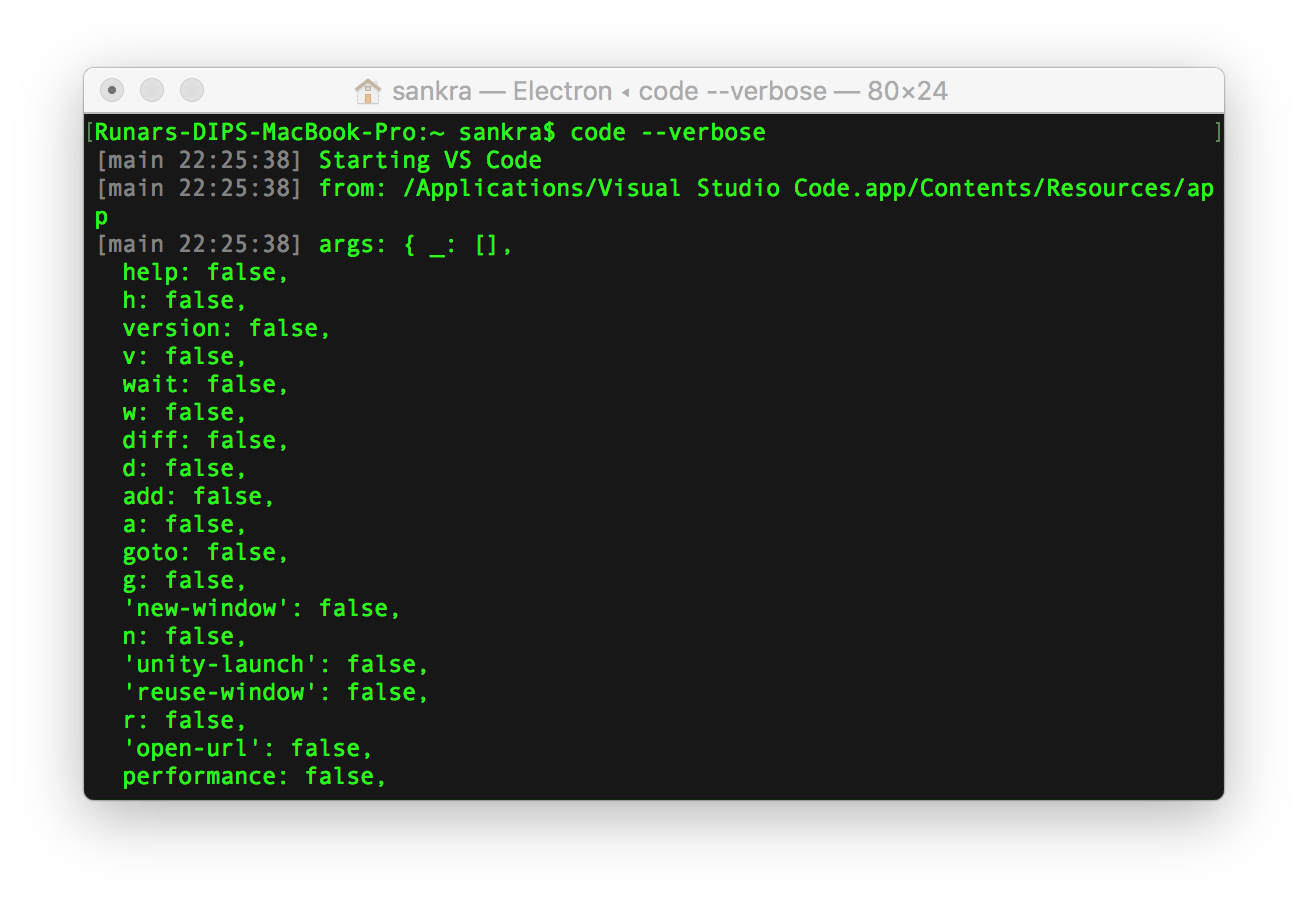
Visual Studio Code failed to start on macOS
If Visual Studio Code does not start on macOS, delete the app from the Applications folder, download a new version and try running it again.
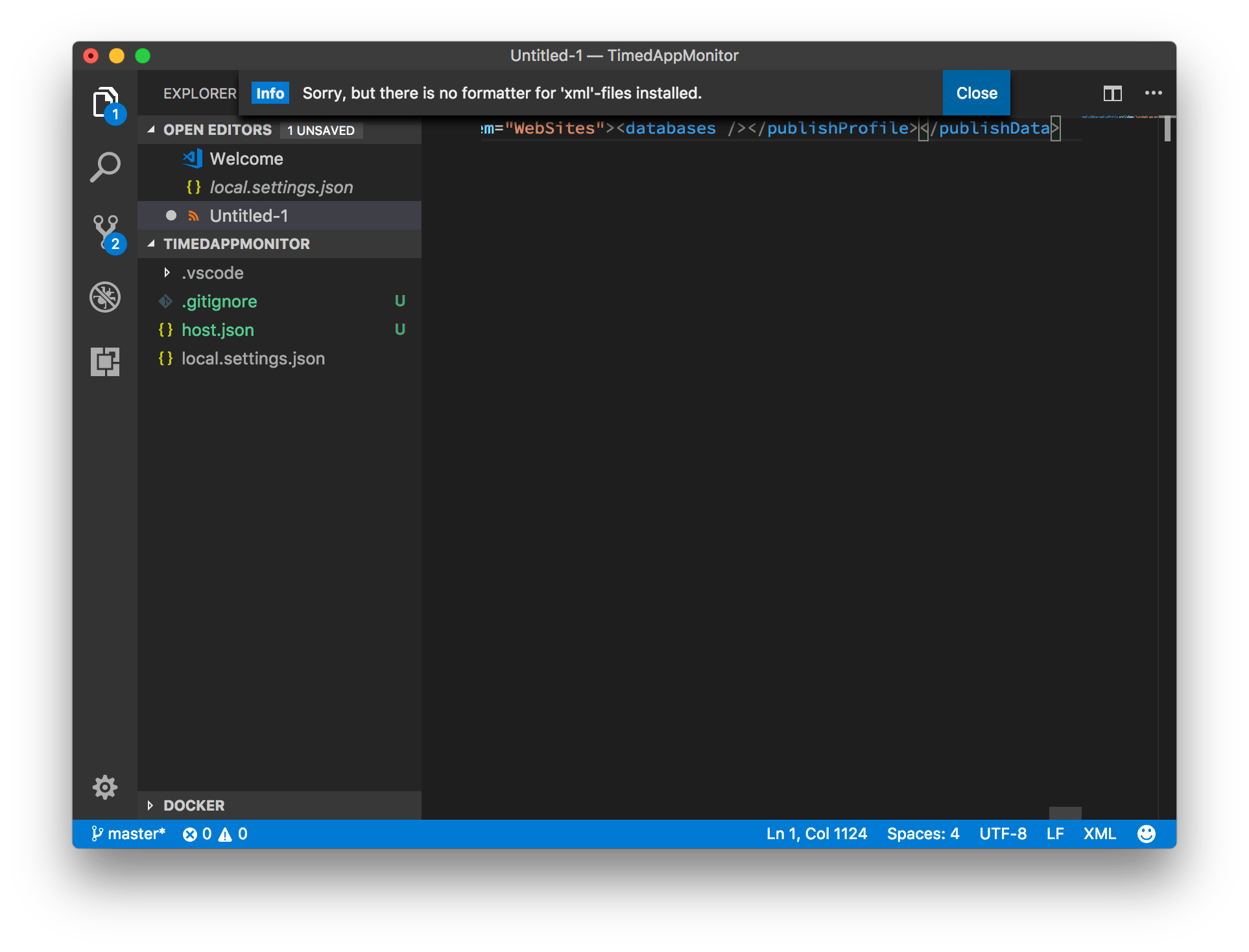
Sorry, but there is no formatter for 'xml'-files installed.
My VS Code just lost it’s ability to format XML. I installed the vs-code-xml-format extension to get XML formatting functional again.
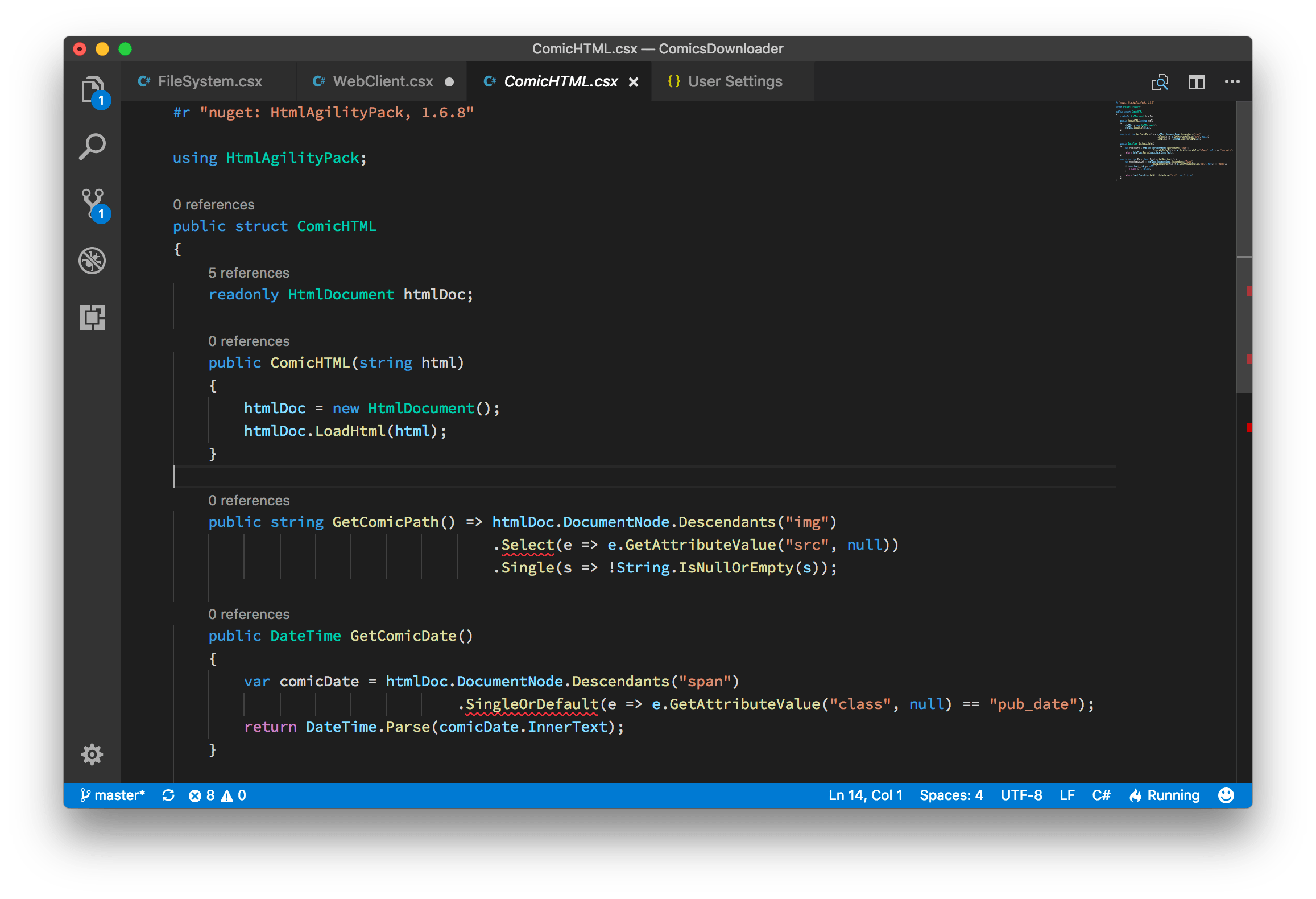
Updating OmniSharp Version in Visual Studio Code - A Guide
Change the OmniSharp version being used by Visual Studio Code by downloading the wanted release and update your User Settings.
2017
Open folder in Visual Studio Code from the Finder
With this macOS service, you can quickly open any given folder as a project in Visual Studio Code from the Finders context menu.
2016
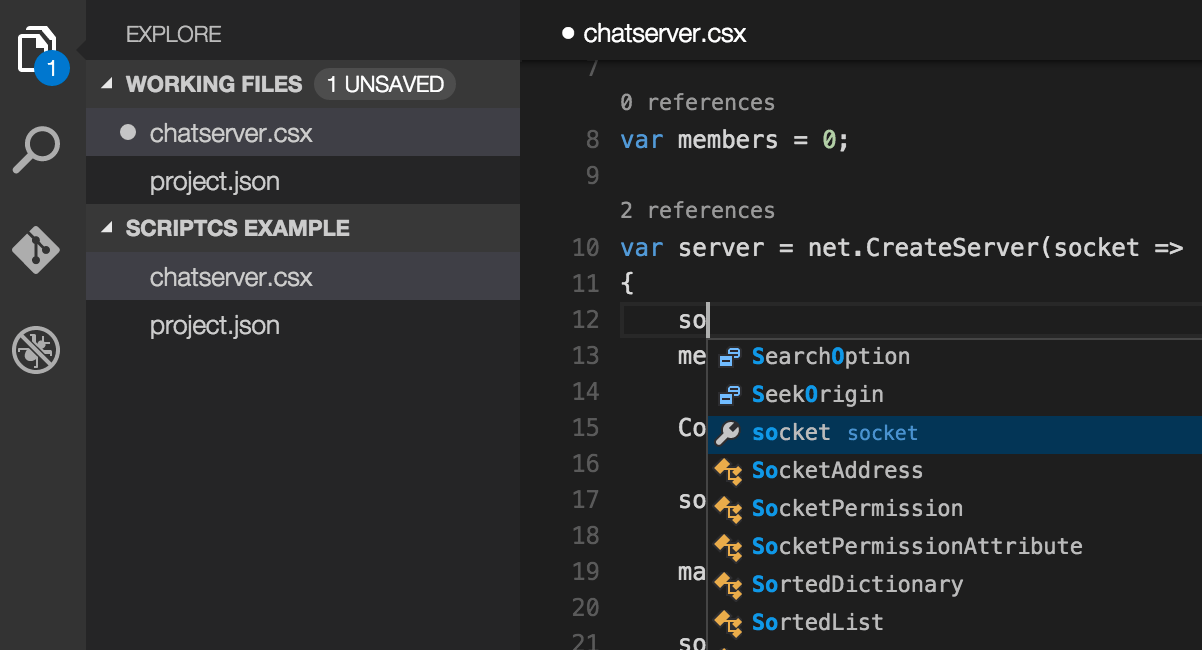
Scriptcs IntelliSense in Visual Studio Code
Scriptcs IntelliSense in Visual Studio Code